
1
The guest scans the room code.
A room-specific service page opens on the guest’s phone.
The hotel builds its service catalog and generates room codes. Guests request from the browser without an account, and the request reaches staff inside StayCrew.
A room-specific service page opens on the guest’s phone.
Such as water, towels, comfort items, or any services configured by the hotel.
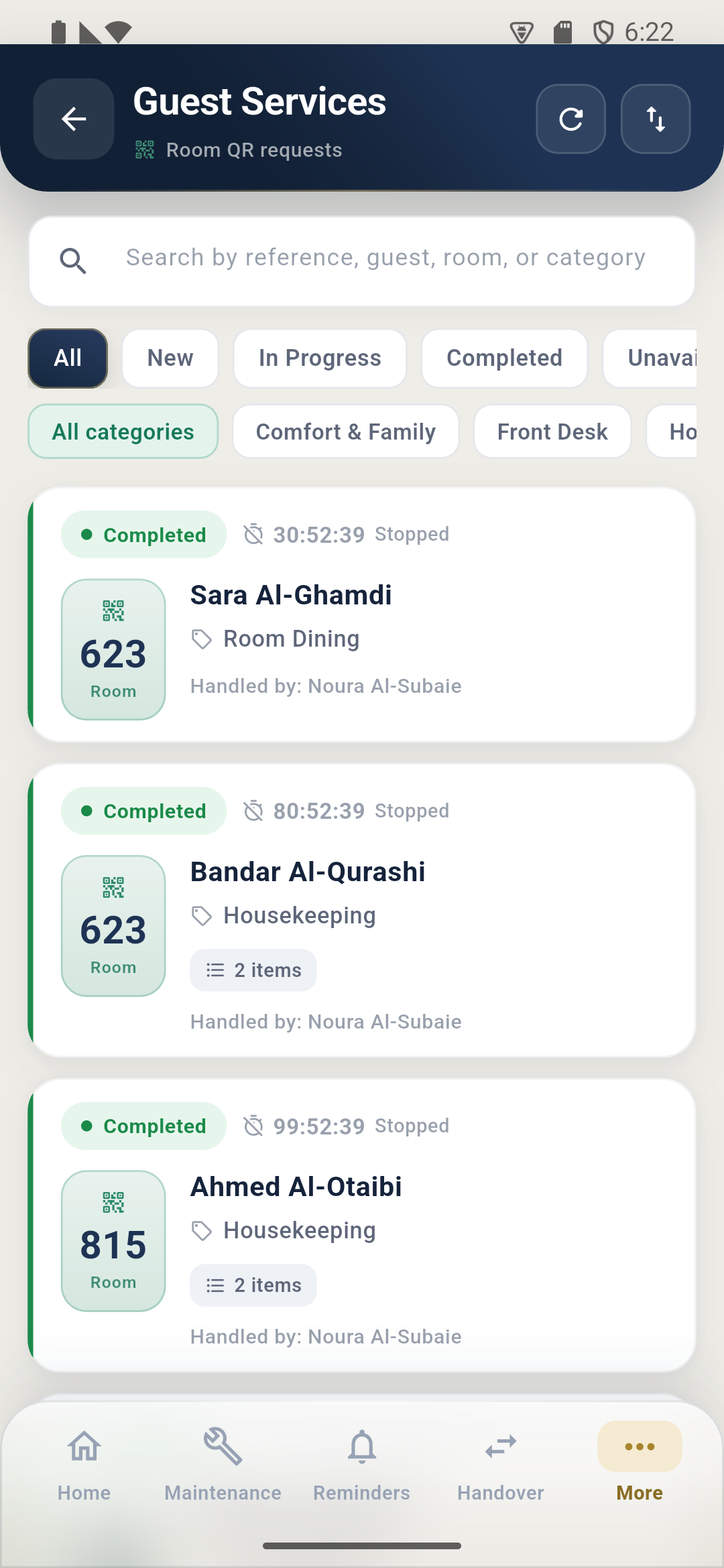
The guest name, room, items, and notes appear in a clear work list.
Start processing, fulfil partially, complete, or mark an item unavailable.
Categories, items, quantities, notes, order, activation, room codes, and the public page are managed through the Control Center.
Each hotel can publish a branded page with its facilities and orderable services, versioned per publish.